
The Evolution of To-Do Lists
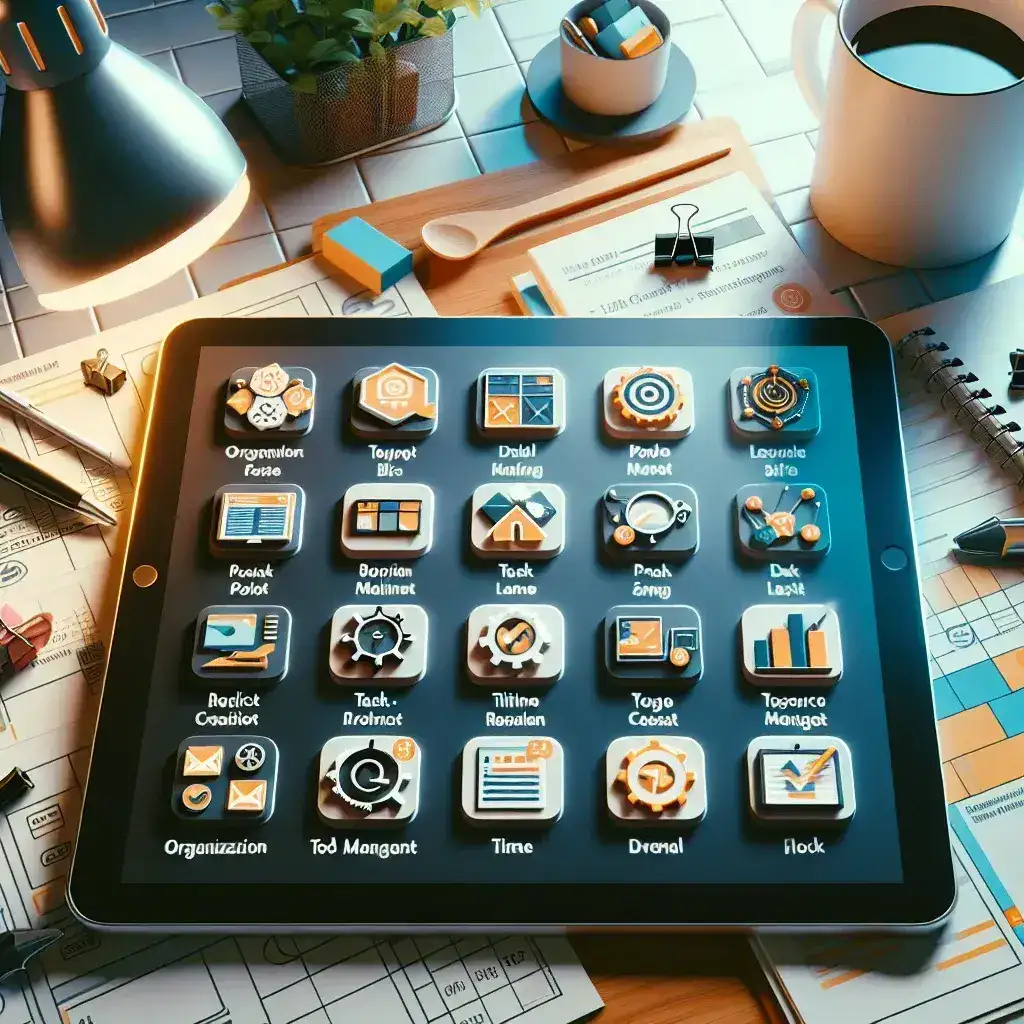
The humble to-do list has come a long way. Initially, it was just a simple sheet of paper or a note on your phone. Now, thanks to the advent of technology, to-do lists have evolved into sophisticated project management apps.
Why Use Project Management Apps?
Project management apps are designed to handle more complex tasks compared to traditional to-do lists. They offer numerous features such as task prioritization, deadline management, collaboration tools, and progress tracking. These functionalities not only help in managing projects more efficiently but also in increasing overall productivity.
Key Benefits
- Task Prioritization: Organize tasks based on their urgency and importance.
- Collaboration: Easily share tasks and projects with team members or family.
- Progress Tracking: Monitor the progress of each task to ensure timely completion.
- Reminders: Set reminders to never miss a deadline.
Top Project Management Apps for Everyday Life
1. Trello
Trello uses a card-based system, making it visually appealing and easy to use. It offers features like boards, lists, and cards to organize tasks efficiently. You can also add labels, due dates, and attachments to the cards for better task management.
2. Asana
Asana is ideal for both personal and professional tasks. It allows you to create multiple projects, set deadlines, and assign tasks to team members. The user interface is intuitive, and the app offers robust reporting features to track progress.
3. Todoist
Todoist is perfect for individual users. It combines simplicity with powerful features like task prioritization, due dates, and recurring tasks. The app also integrates with various third-party applications, enhancing its functionality.
How to Choose the Right App for You
Choosing the right project management app depends on your specific needs. Here are some factors to consider:
- Ease of Use: Ensure the app is user-friendly.
- Features: Look for essential features like task management, collaborations, and progress tracking.
- Compatibility: Make sure the app is compatible with your devices and integrates with other tools you use.
- Cost: Consider the pricing plans and choose one that fits your budget.
Conclusion
Project management apps have revolutionized the way we handle daily tasks. By choosing the right app, you can stay organized, meet deadlines, and boost your productivity. Whether you’re managing personal tasks or professional projects, there’s a project management app out there to suit your needs.